
How to Track Expiry Dates in Chefito
Track expiry dates, spot use-first items faster, and make everyday shopping feel less chaotic.
Expiration date tracking matters more than people think
The European Commission estimates that up to 10% of food waste in the EU each year is linked to date marking.
That is one reason Chefito is useful here. The app will not tell you whether food is safe to eat, but it can make the date story much clearer so you stop losing food to guesswork.
This helps explain why date tracking and clear reminders still matter.
The survey found 64% identified the use-by date correctly and 65% said they always check it before cooking.
Source: Food and You 2: Wave 10, Food Standards Agency
Step 1: Start in Add Item, but only with the foods that matter
Do not begin by typing every spice you own.
Chefito becomes useful faster when you add the foods that create the most waste or confusion:
- fresh produce
- dairy
- leftovers
- proteins
- opened packages
- freezer items you want to use this month
On the `Add Item` page, Chefito already supports several ways to get items in:
- manual entry
- photo or receipt scan
- barcode scan
- from archive
Set the destination to inventory and focus on the foods that actually need tracking.
Step 2: Give Chefito the date information you really have
When you add an item, enter the best date information available:
- expiry or use-by date if it is on the package
- quantity
- category
- storage location
That does not mean pretending every date is perfect science. It means giving your future self a useful signal.
If you use Chefito's auto-expiry-by-category setting, the app can also suggest a date when you have not entered one manually. That is helpful for speed, but it should still be treated as an organization aid, not a safety guarantee.
Step 3: Let Inventory become your use-first board
Chefito already surfaces urgency inside the inventory flow.
In the inventory view:
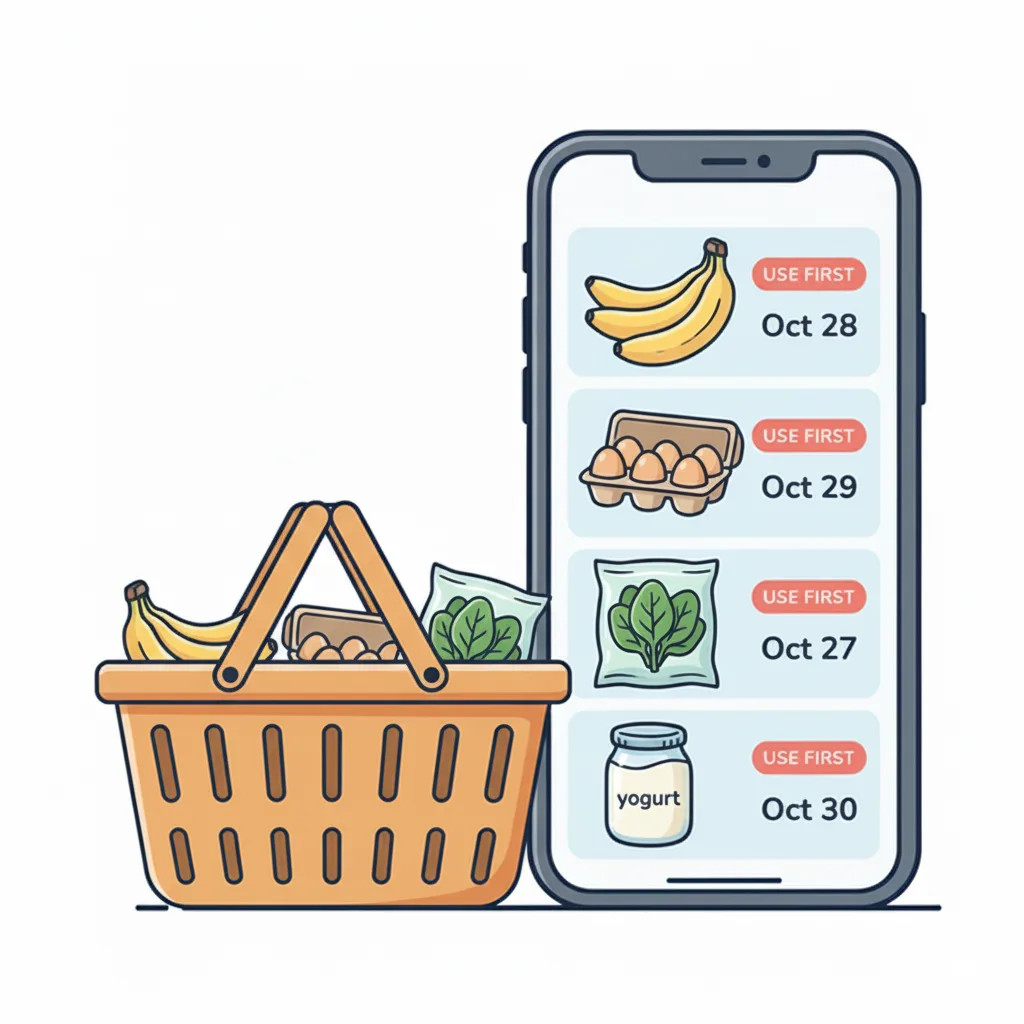
- expiring and expired items are highlighted at the top
- item cards show date badges
- items expiring within 7 days are visually flagged
This is the real "use first" moment in the app.
You do not need a separate notebook or sticky-note system if you actually check this screen before cooking.
Step 4: Treat opened and unopened items differently
This is the gap that breaks a lot of date systems in real life.
The printed pack date describes the food before you opened it. Your home decision depends on what happened after.
That is why date tracking becomes much more useful when you separate:
- unopened food
- opened food
- cooked leftovers
- frozen portions
Those are different states, not the same item with one eternal date.
Step 5: Use Open Item for foods that change after opening
This is one of the most useful Chefito-specific features.
If an inventory item has a quantity above 1, the `Open` action can split off an opened version of that item with a shorter, AI-suggested expiry date.
That is much more realistic for foods like:
- milk
- juice
- sauces
- other multi-unit or multi-use packages
A closed package and an opened package do not age the same way. Chefito already understands that.
That matters because European date-marking research highlights a weak point that ordinary shoppers run into all the time: storage and open-life guidance are not always consistent or easy to use. Chefito cannot solve the science, but it can keep the context from getting lost.
How stores keep track of expiration dates
Shops do not rely on memory. They use date marks, regular checks, and stock rotation.
European and UK advice is helpful here. The European Commission says date marking works best when it is clear, easy to read, and matched with clear storage advice. UK rules also pushed packs toward only `use by` or `best before`, while shops keep their own extra checks in the background instead of crowding the label with more dates.
That means the shop logic is simple:
- mark the item
- know the last safe or useful day
- review it regularly
- use the oldest okay item first
In retail systems, barcode standards can even encode a best-before date or an expiry date directly. You do not need that level of detail at home, but the principle is useful: the date only matters when it stays connected to the right item state.
Chefito is the home version of that logic. You are not running a supermarket, but you can borrow the same habit in a much lighter way.
This is the exact kind of gap that makes open-date tracking and use-first review useful at home.
The study reported about 96% compliance for carrying a use-by or best-before date, while about 11% of products reviewed had poor legibility.
Source: European Commission market study on date marking
Step 6: Check Chefito before shopping and midweek
The simplest rhythm is:
- after shopping: add the important fresh items
- midweek: open Inventory and look at the urgent items first
- before the next shop: check what is still at home
This is where Chefito reduces duplicate buying. If you can see what is already there and what needs attention first, shopping becomes cleaner and less wasteful.
Step 7: Connect expiry tracking to Meal Planner and Shopping List
Expiry tracking works best when it is not isolated.
In Chefito, the stronger loop is:
- spot urgent items in Inventory
- choose recipes in Meal Planner that use them
- move only true gaps to Shopping List
That turns dates into action instead of trivia.
Step 8: Use Insights when you want the bigger picture
Chefito's Insights area includes an expiry report, which is useful when you want to see whether your kitchen is building a pattern of expired or soon-to-expire items.
That is especially helpful if you feel like you are "always throwing out produce" but do not know whether the real issue is shopping volume, storage, or follow-through.
A simple Chefito rhythm that actually works
If you want one repeatable system, use this:
1. add important foods that spoil fast to Inventory 2. enter or confirm dates 3. check the expiring section before cooking 4. use Open for packages that changed once opened 5. treat opened items as a new decision, not the old package 6. plan meals from urgent items first 7. review again before shopping
That is much closer to how the app is actually designed to help.
If you want to set this up right away, download Chefito and start with the foods that spoil fast or get forgotten first.
If you want to turn those urgent items into dinners instead of another shopping trip, how to plan meals with what you already have is the next useful step.
Chefito is the memory helper, not the final authority
This part matters.
Chefito helps you organize dates, but food-safety decisions still depend on trusted food advice, storage temperature, time out of the fridge, and the kind of food involved. That matters more than any app reminder.
So use Chefito to clear the fog, not to replace common sense or food-safety rules.
FAQ
Do I need to add everything I own?
No. Start with the foods that spoil fast or get forgotten often.
How can I see what food expires soon in Chefito?
Open Inventory and look at the expiring items section at the top. Item cards also show date badges and warning colors for foods that need attention soon.
What counts as a use-first item in Chefito?
Usually items close to their date, already opened packages, delicate produce, and leftovers.
How do stores keep track of expiration dates?
Usually with date marks, regular checks, and stock rotation. In Europe, the dates people mostly see on packs are `use by` and `best before`, while shops handle their extra checking separately.
What is expiration tracking?
Expiration tracking means writing down date information and checking it often enough to know what should be used first.
What is the most Chefito-specific feature for expiry tracking?
The combination of inventory expiry highlights and the `Open` action for opened items is one of the strongest real workflows in the app.
Try the workflow
Ready to track your pantry instead of guessing?
Download Chefito to keep food dates visible, plan from your actual stock, and build a clearer shopping list.
Free to download. Paid upgrades, if chosen, are handled by Apple or Google.


Sources
- Date marking and food waste prevention
European Commission
- Best before and use-by dates
Food Standards Agency
- Expiry date for confusing date labels
GOV.UK
- Food and You 2: Wave 10
Food Standards Agency
- Market study on date marking and other information provided on food labels and food waste prevention
European Commission
- GS1 Logistic Label Guideline
GS1