
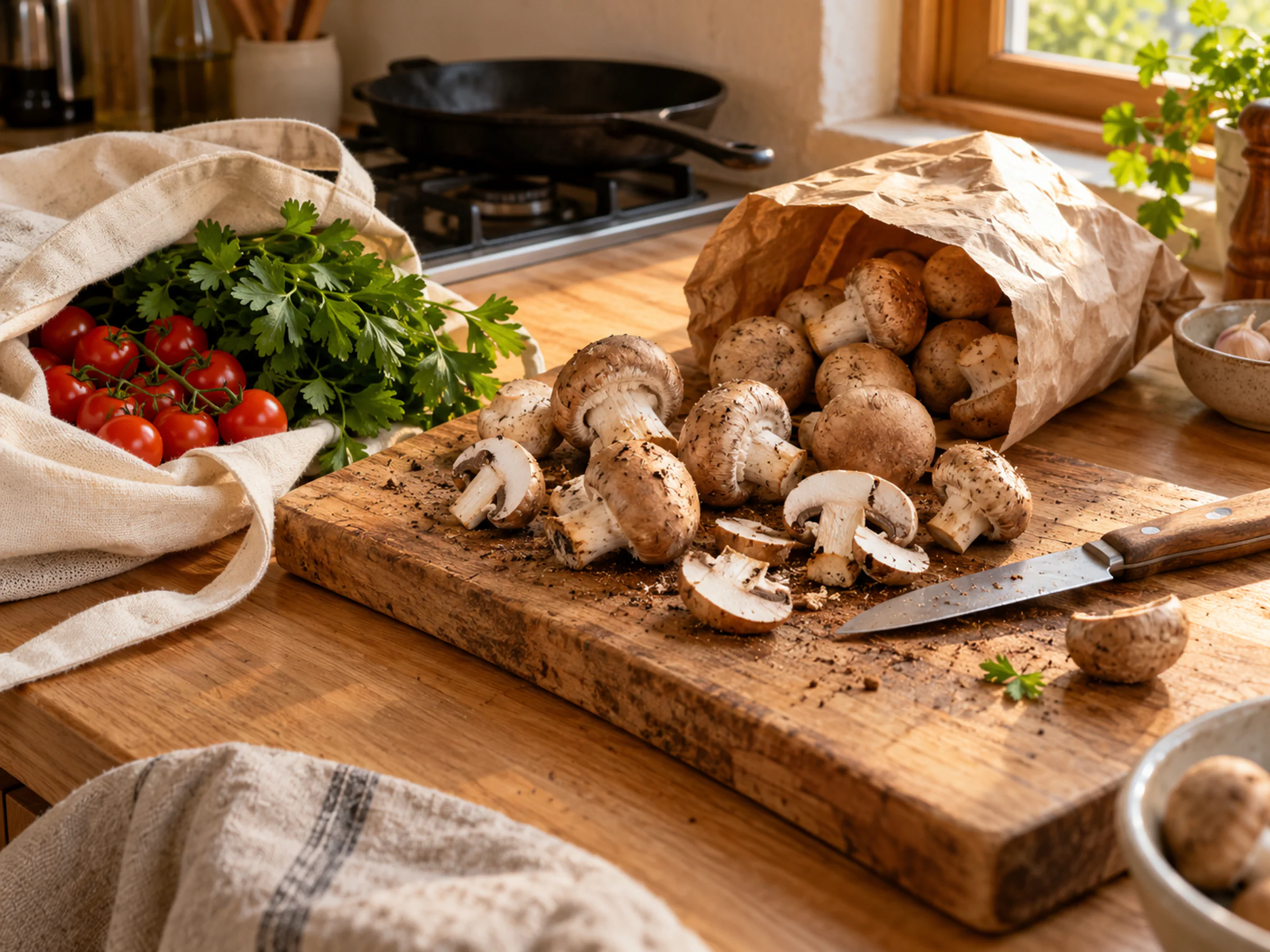
From receipt to plate.
Track pantry inventory, plan meals, build a grocery list, and reduce food waste with one simple kitchen app.
Anything that needs a subscription is marked Pro or Pro+. Compare plans


 How does everything get in fast?
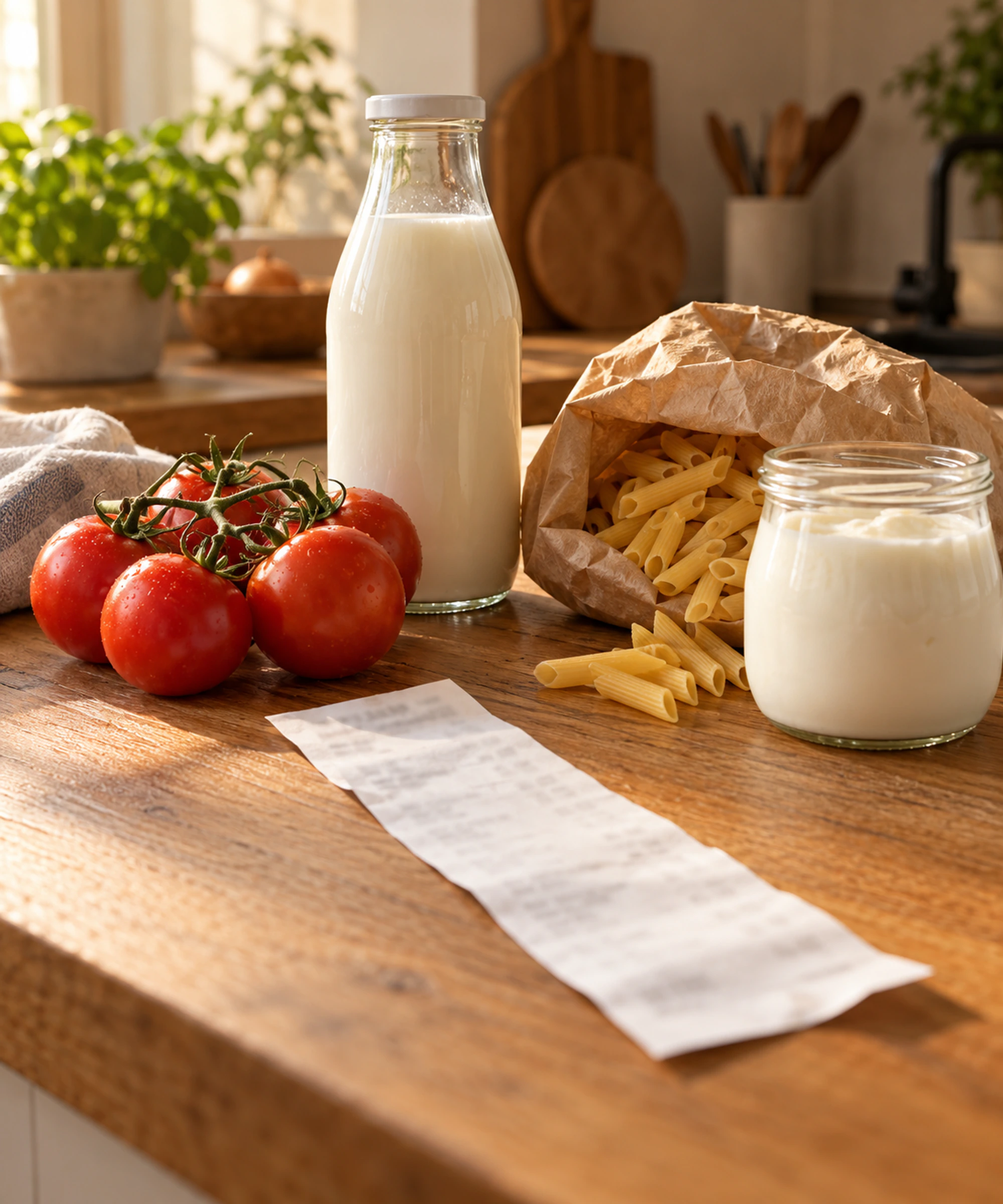
One photo of the receipt fills your pantry.
Chefito reads the items on your receipt and adds them to your pantry. You check the list and save.
- Scan a receiptPro
- Add many items from one photoPro
- Save recipes from links, photos and PDFsPro
- Add items by barcode
- Share into Chefito from other apps
 What needs using first?
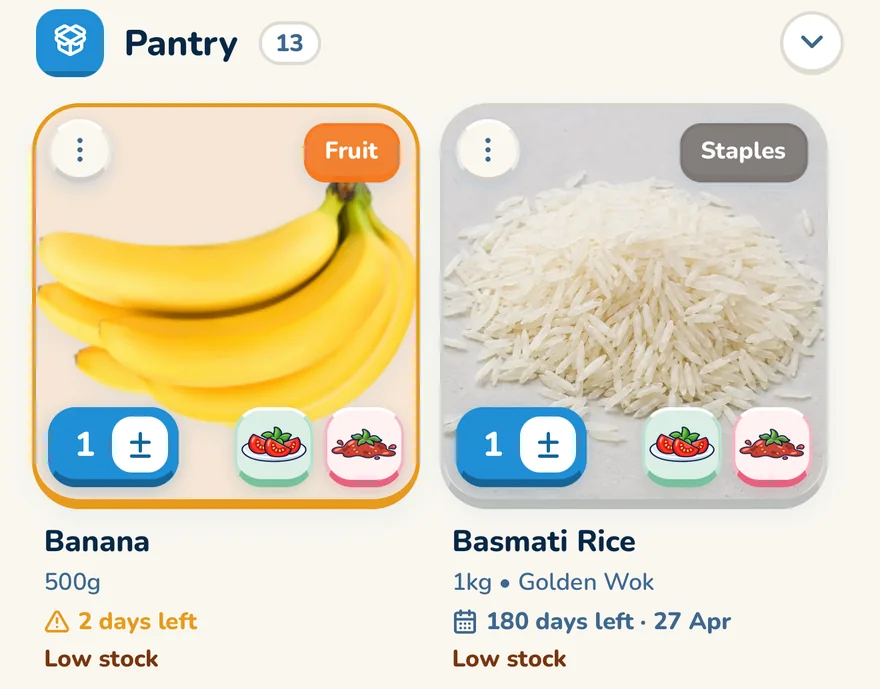
See what you have and what expires soon.
Every item keeps its amount, storage place and expiry date. You see early what to eat first.
- Reminders before food expires
- Your own storage places and categories
- Find duplicate items
- Log empty items as used or wasted


 What are we cooking this week?
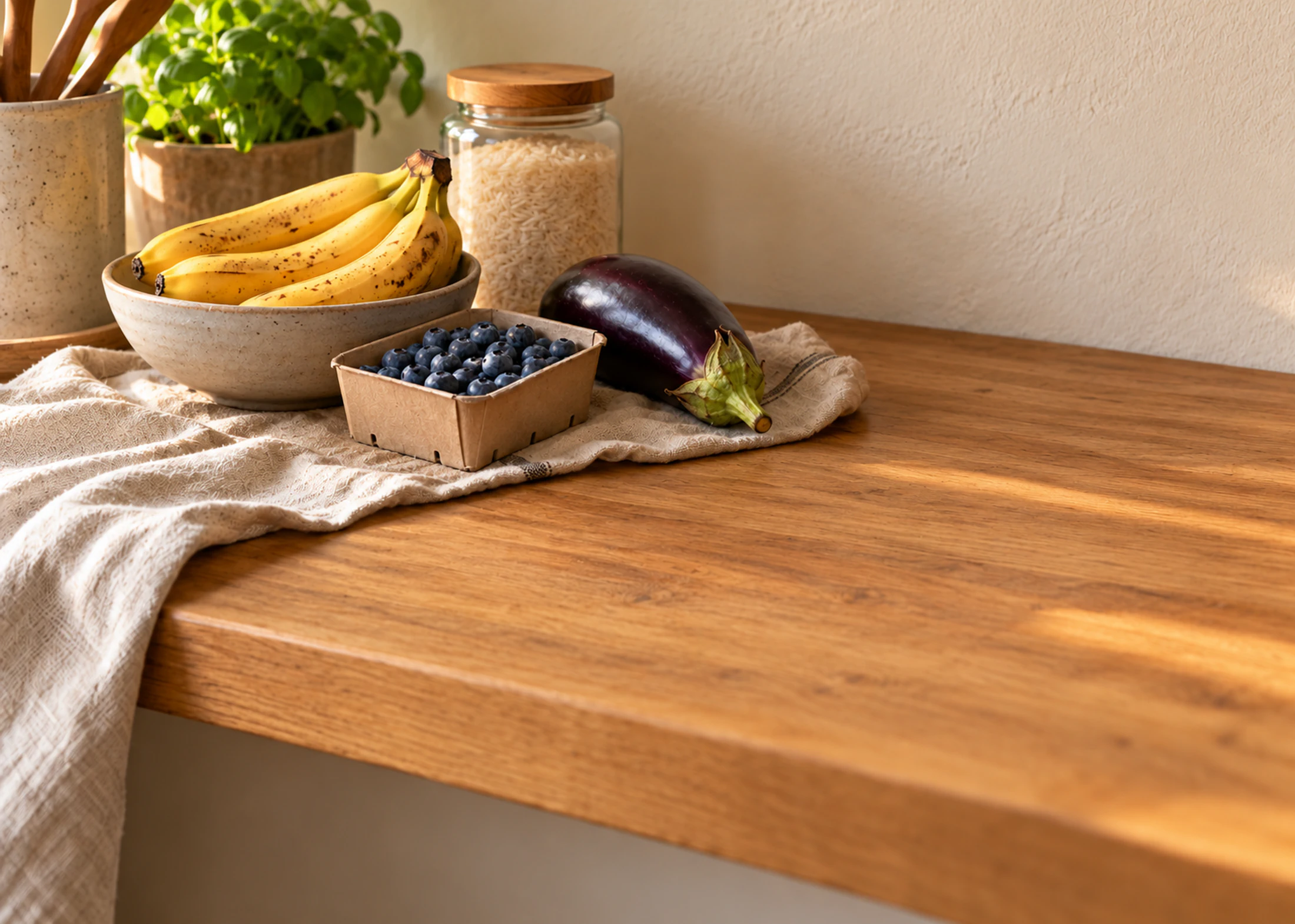
Plan the week before you shop.
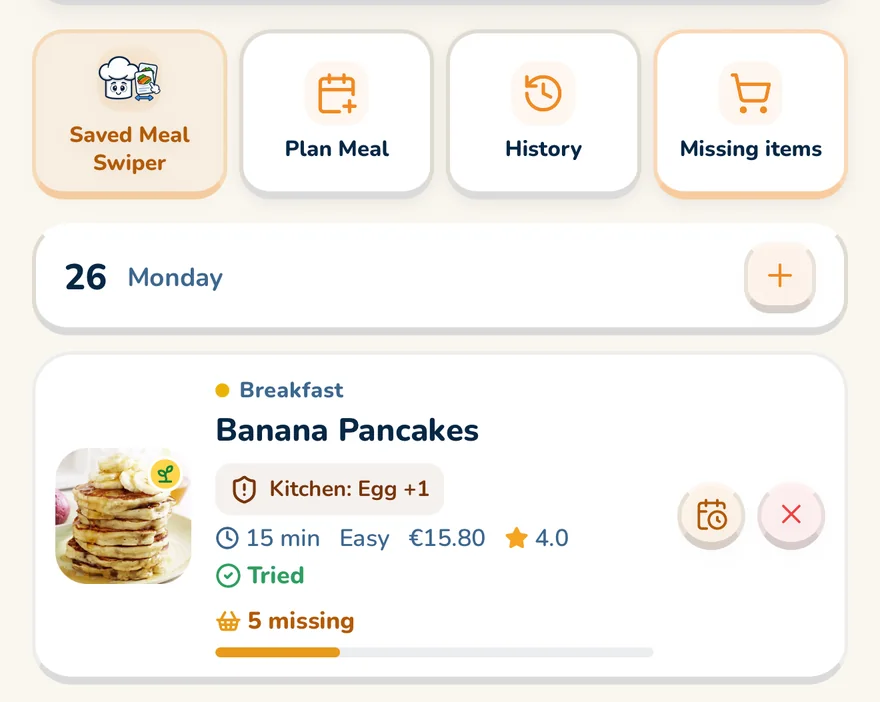
Put meals on the days of your week. You see missing ingredients before you leave the house.
- Recipe ideas from your pantryPro
- Swipe through meal suggestions
- Missing ingredients for the whole week
- Recipe books for your collections
- Find recipes for one ingredient
- Nutrition for recipes and meals
- A history of your meals
- Food preferences and diets


 How do we shop together?
Buy only what is really missing.
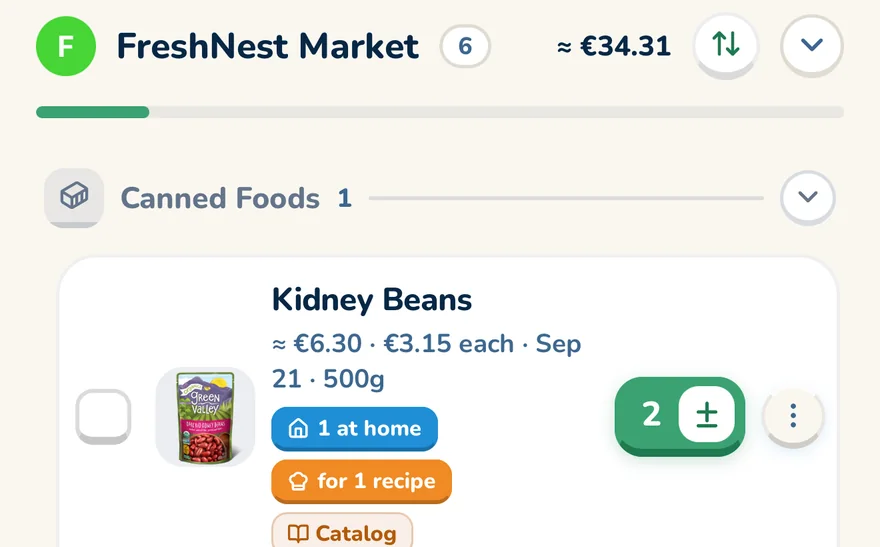
Your list is sorted by shop and category. In the shop you tick off each item with one tap.
- Invite friends without a plan of their ownPro+
- Create more kitchensPro
- Set up your own stores
- Empty items go straight onto the list
- Share recipes with friends

 Where do money and food go?
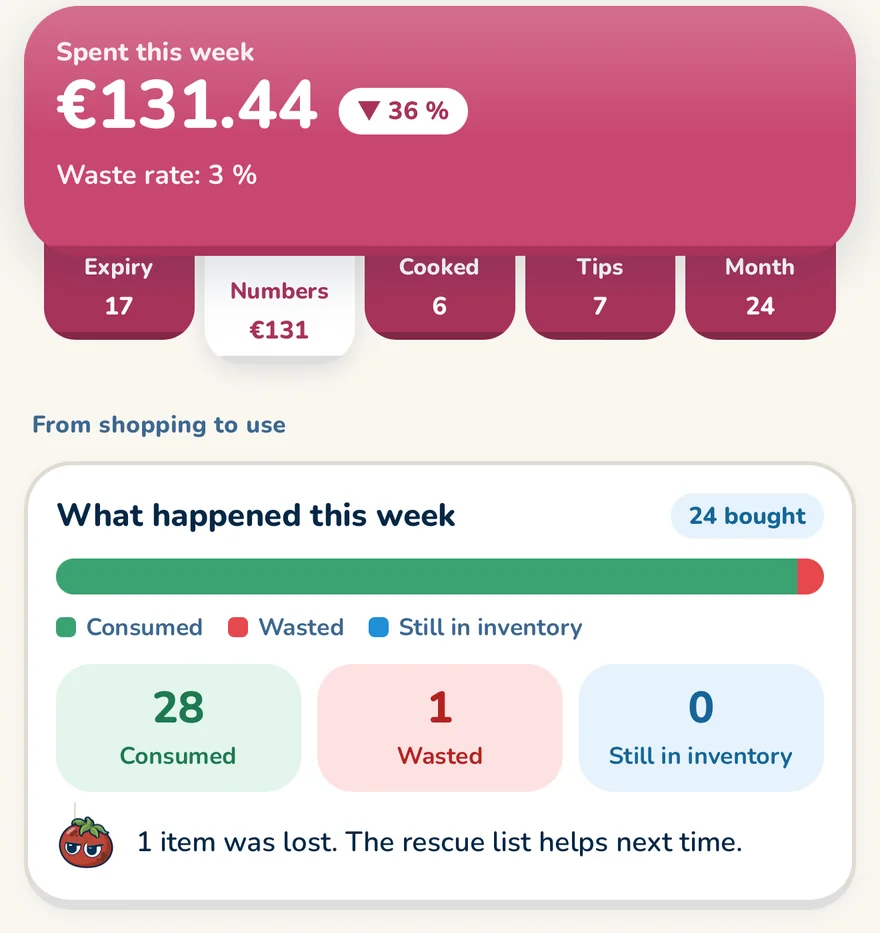
See where your food goes.
Chefito counts what was used up, thrown away or bought again, and shows your spending per shop.
- Ask Chefito about your kitchenPro
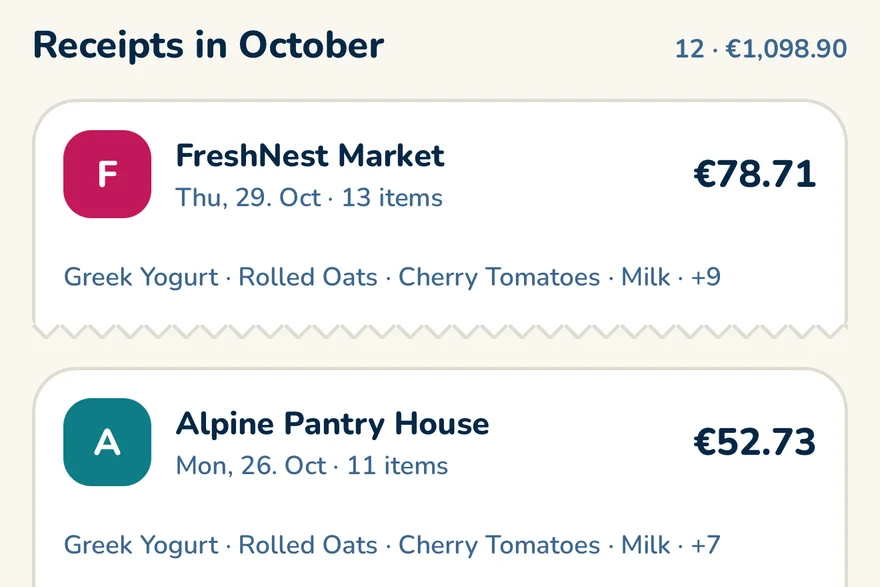
- Every receipt with store, date and total
- Prices per item from your receipts
- Spending compared with last week
- A weekly review with your numbers
- Backup and restore
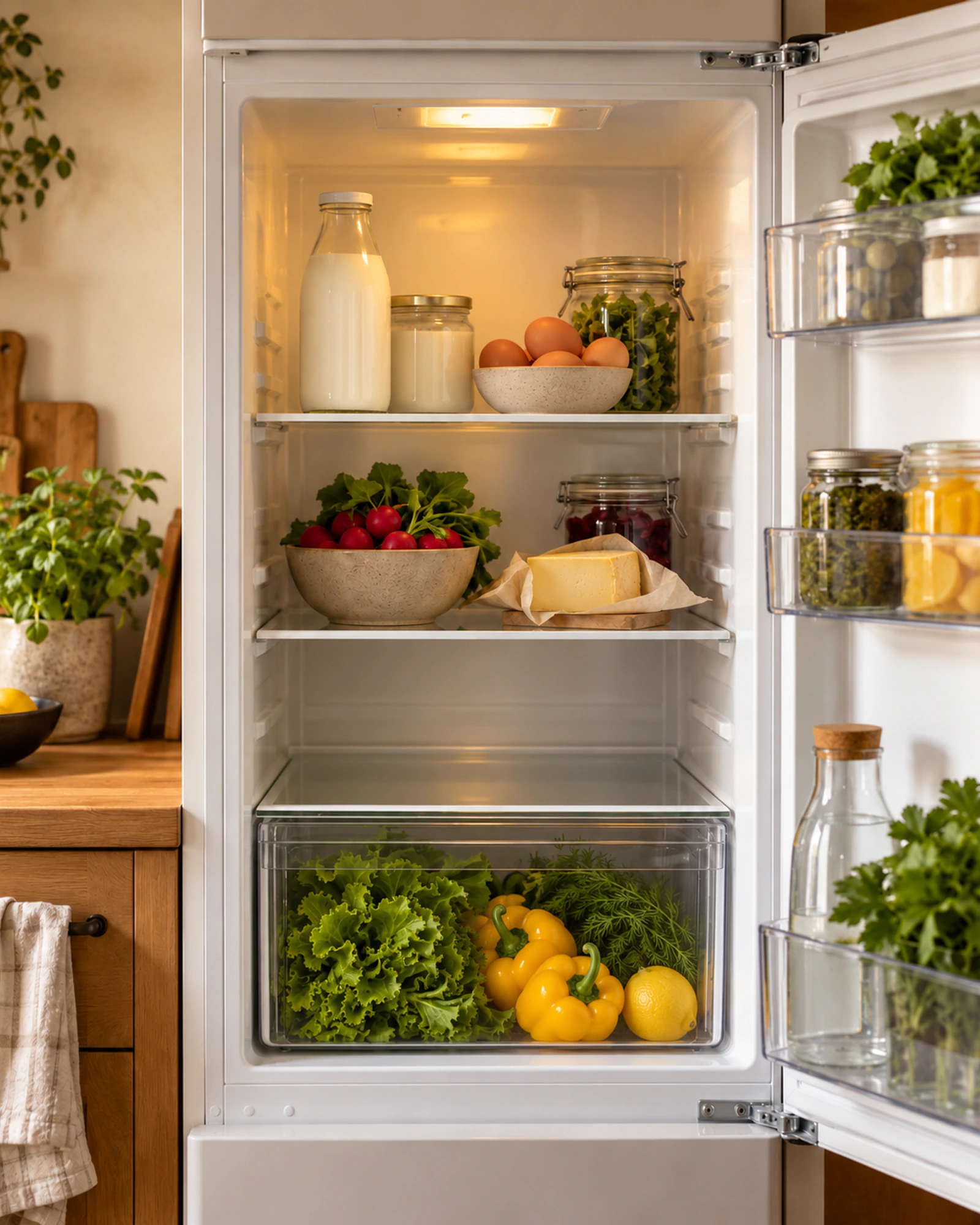



For the kitchen you actually cook in.
Common questions
Do I need to track every single item?
No. Start with the foods that create the most waste or confusion first, like milk, yogurt, produce, and leftovers.
Is Chefito useful for shared homes?
Yes. Shared kitchens are one of the clearest use cases because one kitchen picture reduces duplicate shopping and missed communication.
Can I start for free?
Yes. You can begin with the core workflow and expand your setup as your kitchen routine gets clearer.
Do I need to open the app every day?
No. Even short check-ins before shopping or before planning the week already remove a lot of stress.
Get Chefito.
Free on iPhone and Android, or right now in your browser.


Use Chefito in your browser. Subscriptions can only be purchased in the iPhone or Android app.
On desktop? Scan with your phone.